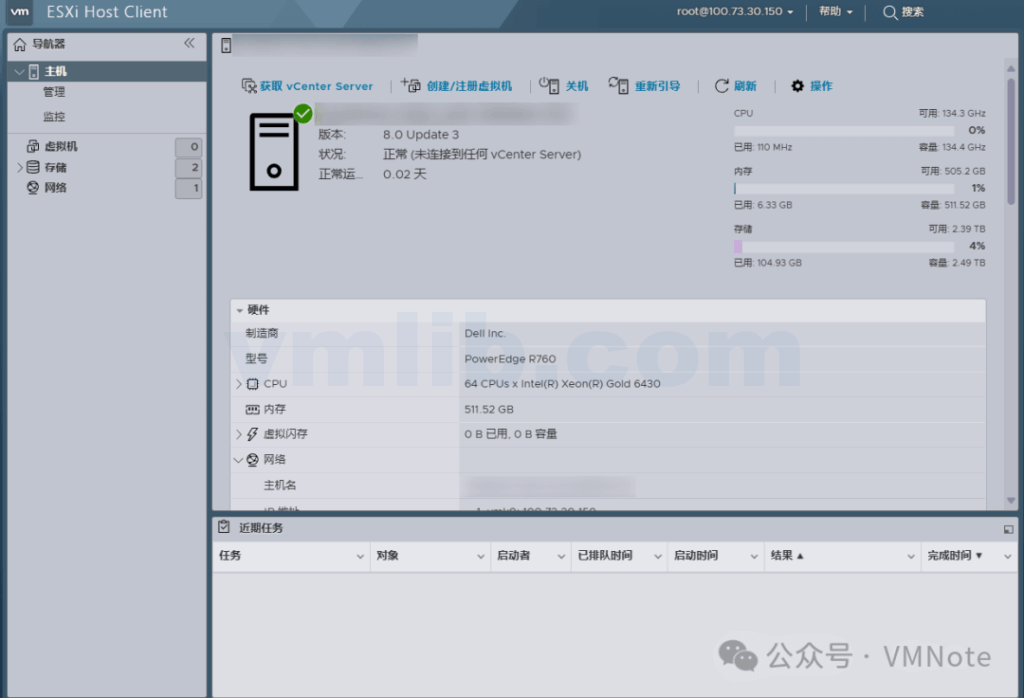
【Issue Overview】
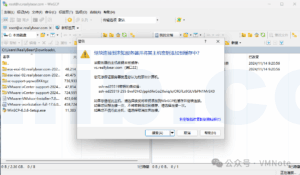
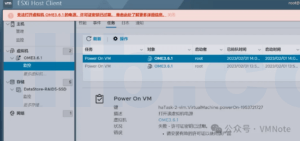
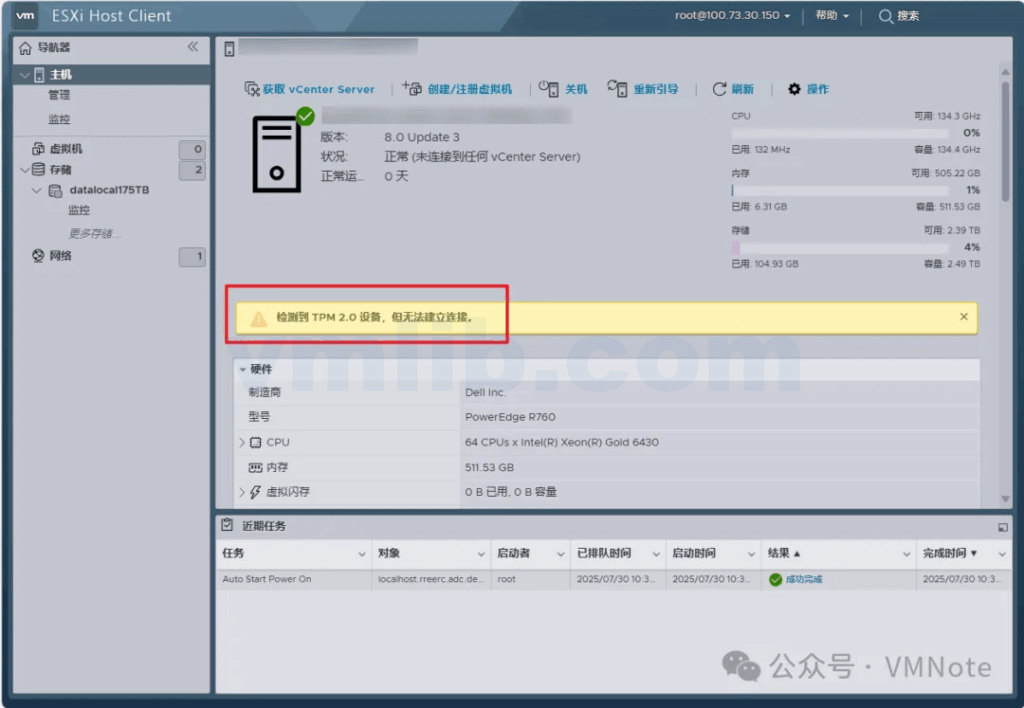
The customer reported that after installing VMware ESXi 8.0 U3 on a Dell R760 server, a TPM-related alert appeared when accessing the ESXi Host Client.
A TPM 2.0 device was detected, but a connection cannot be established.
TPM 2.0 device detected but a connection cannot be established.
【Troubleshooting Analysis】
(1) Checked the server hardware logs and confirmed there were no hardware errors. The TPM was properly detected and remained enabled.
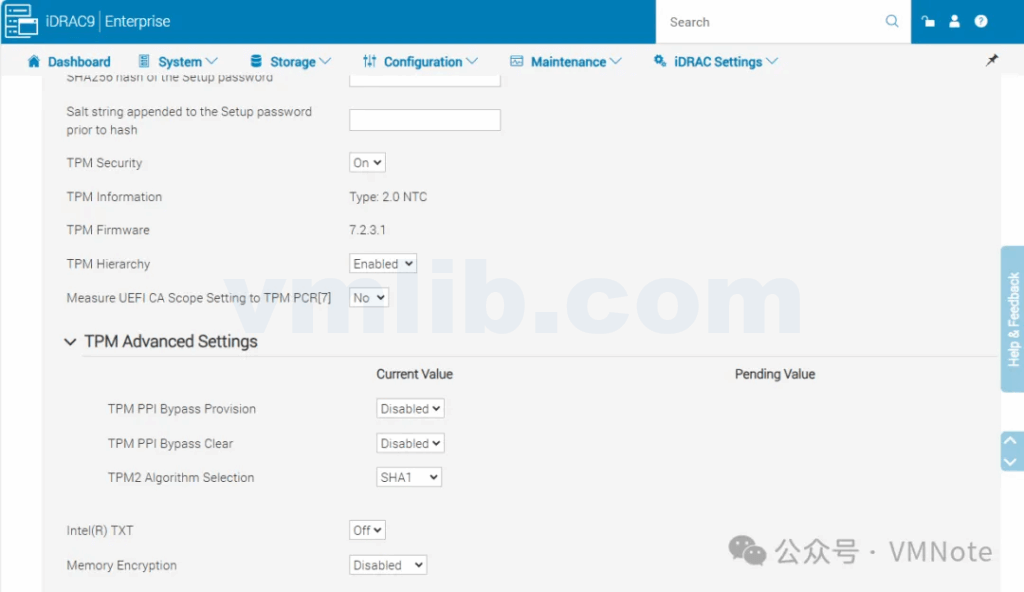
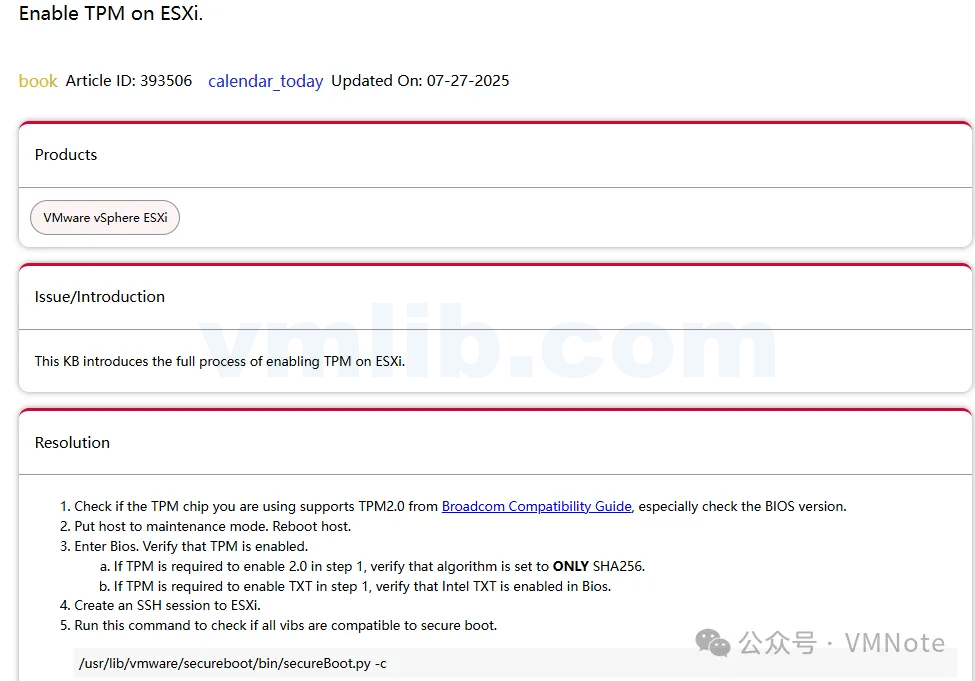
(2) Referred to Broadcom / VMware KB 393506 to verify TPM configuration and found that the current TPM hashing algorithm was set to SHA1, which does not meet the system requirements.
https://knowledge.broadcom.com/external/article/393506/enable-tpm-on-esxi.html
【Solution】
(1) Put the ESXi host into Maintenance Mode.
(2) Change the TPM algorithm from SHA1 to SHA256.
(3) Reboot the server and confirm the issue is resolved.
Summary
In an ESXi 8.0 environment, a TPM alert does not necessarily indicate a hardware failure. In most cases, it is caused by a mismatch between the TPM hashing algorithm and the platform’s security requirements. In practice, simply verifying the TPM status, switching the algorithm from SHA1 to SHA256, and performing the change while the host is in Maintenance Mode will clear the alert. For users planning or already deploying ESXi 8.0, understanding TPM compatibility and configuration requirements in advance can help avoid unnecessary troubleshooting and improve both the stability and security of the virtualization platform.


 VM技术助理