

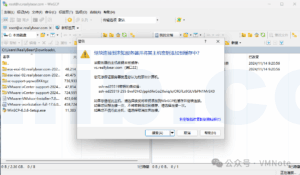
How to Use WinSCP to Access VMware vCenter Server for Uploading and Downloading Files
Need to transfer scripts or logs to your vCenter Server? This quick guide shows how to connect with WinSCP, enable Bash shell access, upload and download files safely, and avoid common SFTP errors during file transfers.
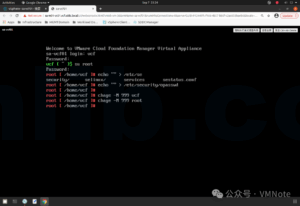
VMware Cloud Foundation: How to Reset the vcf and root Passwords on SDDC Manager
Forgot the vcf or root password on SDDC Manager? This guide walks through using GRUB single-user mode in Photon OS to unlock accounts, reset passwords, and quickly restore SSH access so your VMware Cloud Foundation environment stays operational and secure.
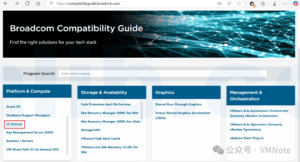
How to Check Which Network Adapters Are Supported by VMware ESXi
Not sure whether your network card is supported by ESXi? This step-by-step guide shows how to check the official compatibility list, filter NIC models, and confirm required drivers and firmware so you can avoid installation issues and keep your virtualization environment stable.
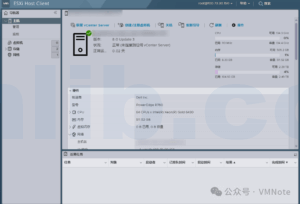
TPM Alert After Installing ESXi 8.0 on Dell Technologies PowerEdge R760
After deploying ESXi 8.0 on a Dell R760, you may see a TPM 2.0 connection warning even though the hardware is healthy. This guide explains the real cause — an unsupported SHA1 hashing algorithm — and walks through checking logs, updating TPM to SHA256, and clearing the alert safely in Maintenance Mode.
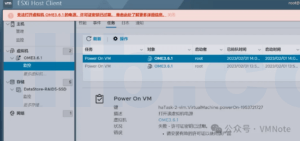
What happens when non-perpetual VMware vSphere licenses expire or trial periods end?
When a VMware vSphere product like ESXi, vCenter Server, or vSAN uses a non-perpetual license, serious functional limitations can occur once the 60-day trial or subscription expires. From host disconnections to being unable to power on VMs or add storage, the impact can be critical. This article explains what to expect and how to prepare before your VMware license expires.
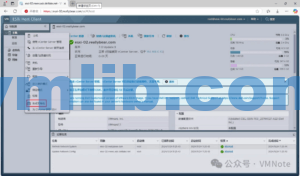
How to Collect VMware ESXi Log Bundles? (Detailed Explanation of Three Methods)
Logs are essential for diagnosing and troubleshooting issues in VMware ESXi environments. Whether you’re facing host performance problems, VM crashes, or storage connection failures, collecting a complete log bundle is the first step. This guide walks you through three reliable methods—via vSphere Client, ESXi Host Client, and command line—to quickly gather the necessary logs for analysis.