
VirtualBox的VM无法开机“Failed to load the NVRAM store from the file (VERR_PATH_NOT_FOUND)”

VirtualBox的VM无法开机“Failed to load the NVRAM store from the file (VERR_PATH_NOT_FOUND)”

今天需要用VirtualBox安装NextCloud的AIO虚拟机,但是导入OVF后,这个VM无法开机,

Oracle VirtualBox版本为版本 7.1.0 r164728 (Qt6.5.3)

错误提示为:

Failed to load the NVRAM store from the file (VERR_PATH_NOT_FOUND)

Failed to load the NVRAM store from the file (VERR_PATH_NOT_FOUND)

Failed to load the NVRAM store from the file (VERR_INVALID_NAME)

Can’t attach Nvram Storage driver (VERR_PATH_NOT_FOUND)
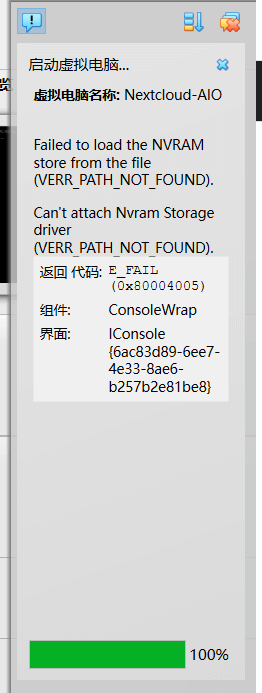
VirtualBox的VM无法开机“Failed to load the NVRAM store from the file (VERR_PATH_NOT_FOUND)”

解决办法:

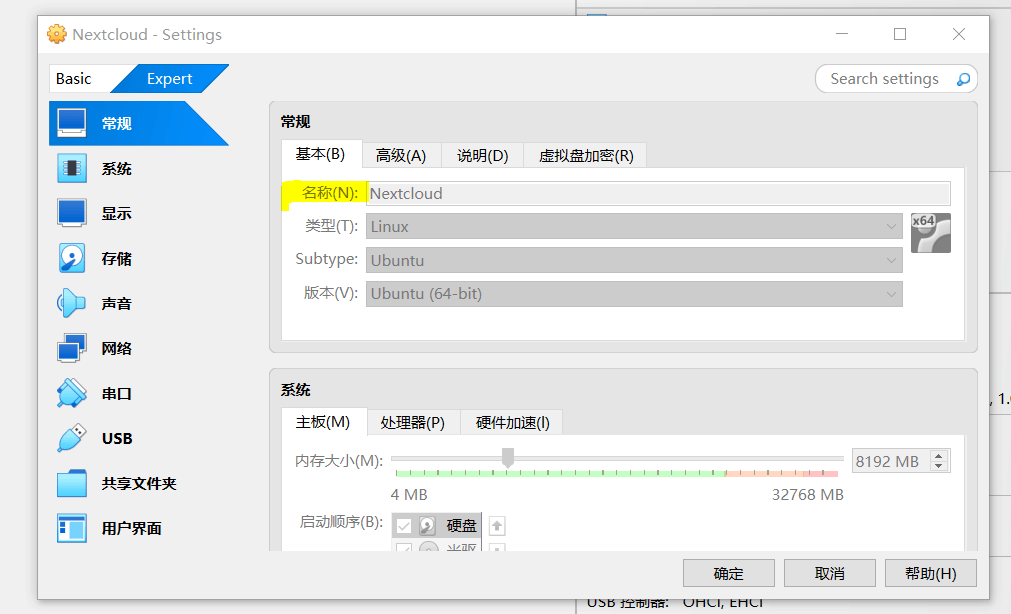
只需要VM改个名字就可以,右键点击VM – 设置 – 名称处删减字段即可。

VM改名字后,保存设置,VM就可以正常顺利开机了。
有VM问题需要协助?

免费试用VMware技术助理(已接Deepseek)!即时解答VM难题

→ 🤖VM技术助理

解析和诊断各类vCenter错误,ESXi日志,虚拟机vmware.log

→ 📕VMware日志分析器

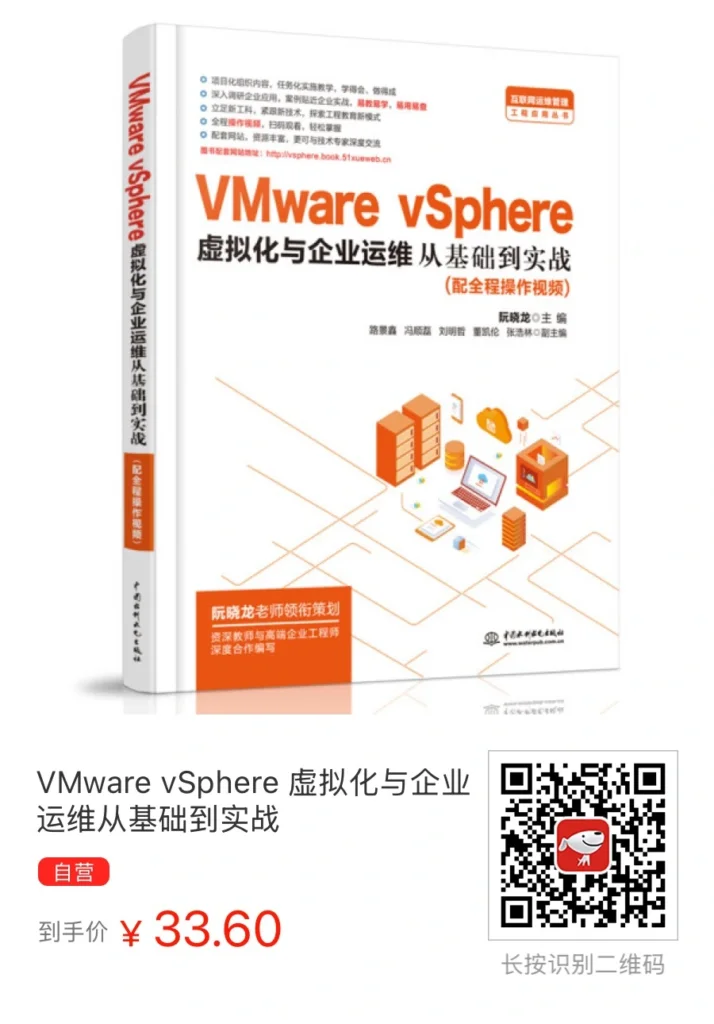
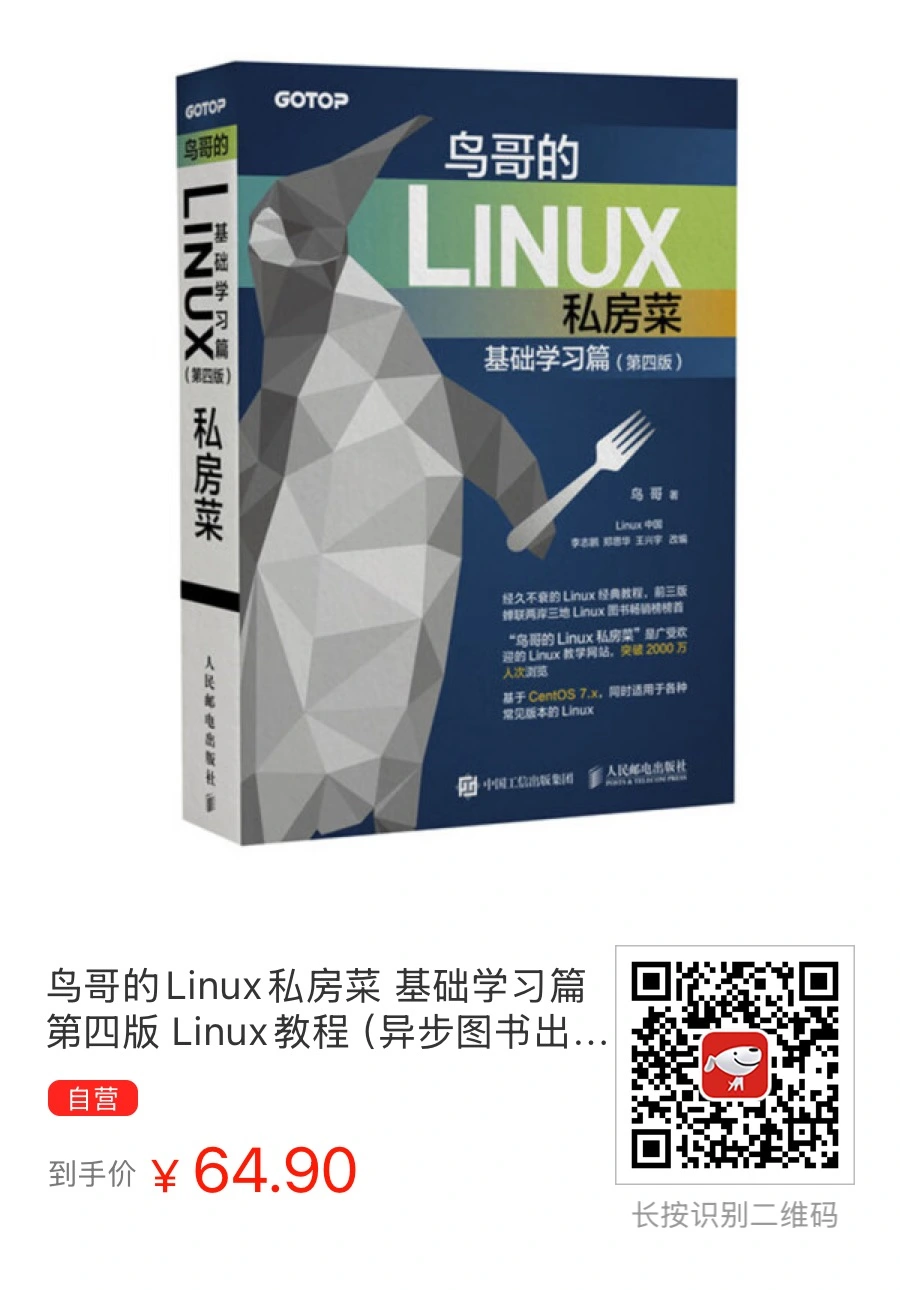
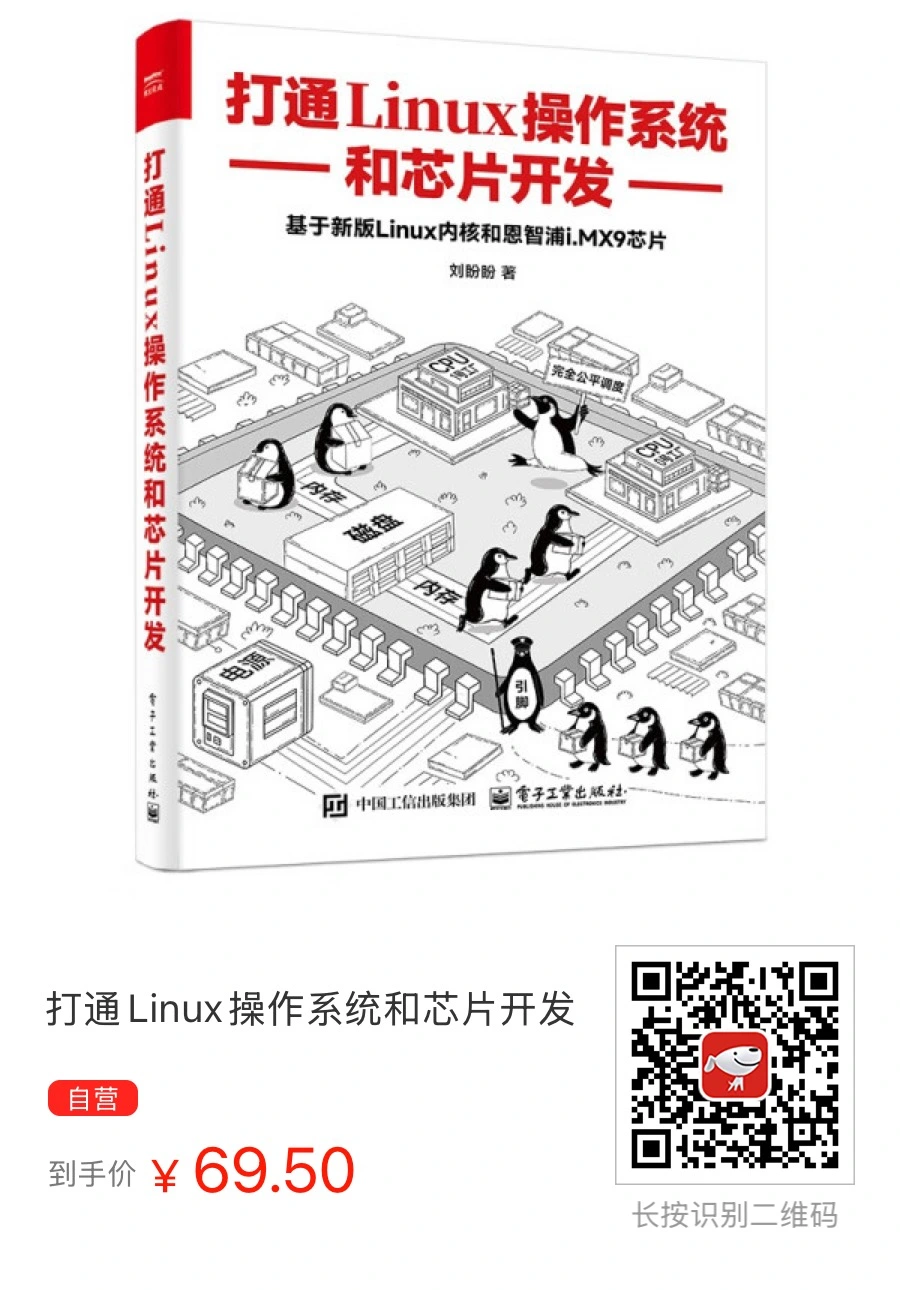
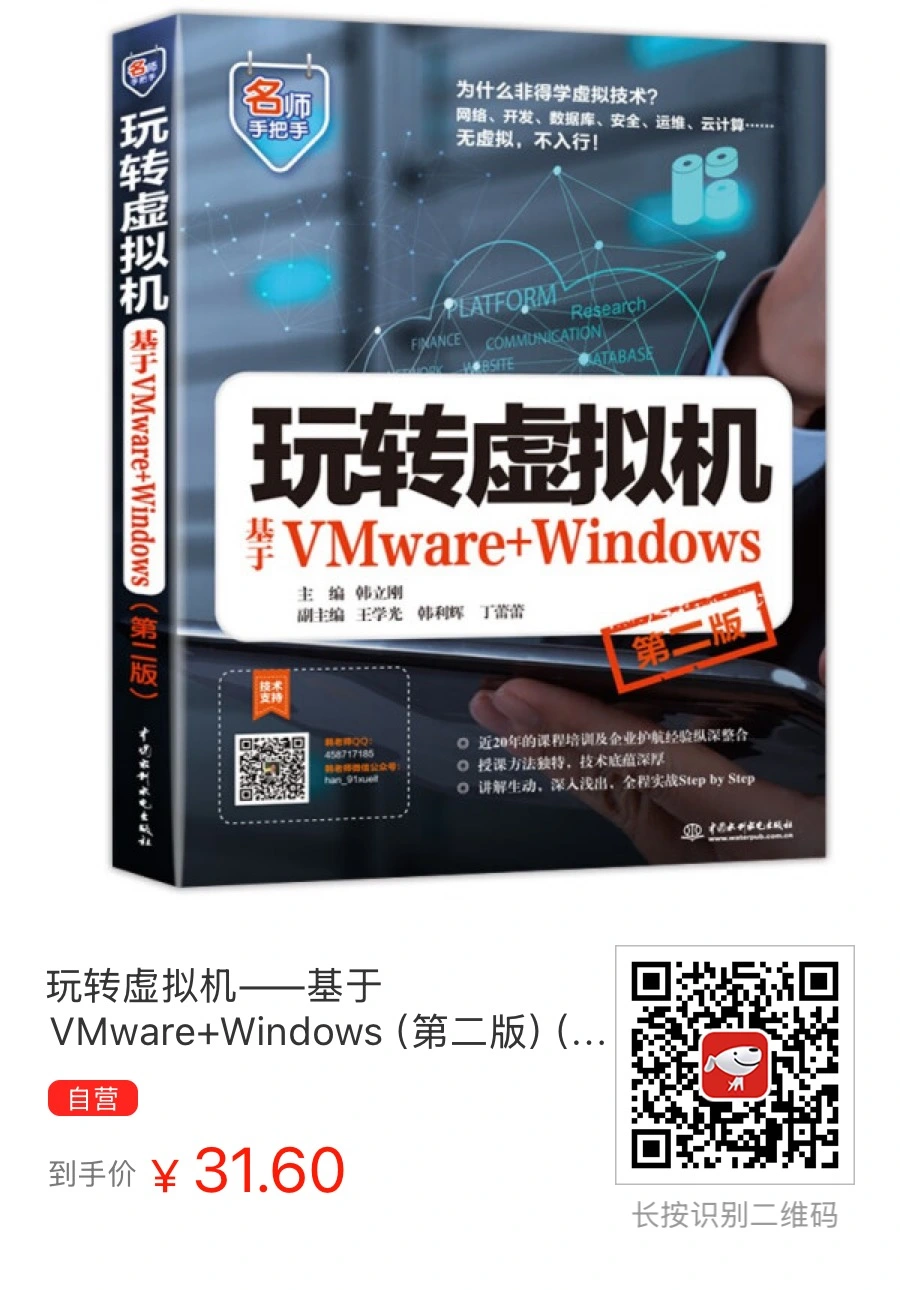
图书推介 - 京东自营

24小时热门

还有更多VMware问题?

免费试下我们的VMware技术助理(已接Deepseek)!即时解答VM难题 → 🤖VM技术助理

试试 📕VMware日志分析器 免费诊断各类vCenter错误,ESXi日志,虚拟机vmware.log等等

########

扫码加入VM资源共享交流微信群(请备注加群

需要协助?或者只是想技术交流一下,直接联系我们!

推荐更多

//omg10.com/4/9119499