vCenter Certificate Expired? A Practical vCert Recovery Checklist
A practical checklist for expired vCenter certificates, including VECS checks, STS notes, backups, snapshots, and when to use VMware vCert.


A practical checklist for expired vCenter certificates, including VECS checks, STS notes, backups, snapshots, and when to use VMware vCert.
A practical guide to ESXi 9, free licenses, Broadcom downloads, evaluation options, and what to avoid when searching for VMware license keys.
A practical fix path for vSphere HA agent configuration failures on image-managed clusters, including stale FDM VIBs, FDM listed as a component, missing depot files, image validation, and Update Manager logs.
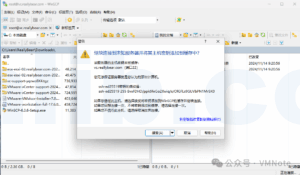
Connect WinSCP to a vCenter Server Appliance safely, fix the common SFTP packet error caused by Appliance Shell, transfer logs or scripts, and restore the root shell afterward.
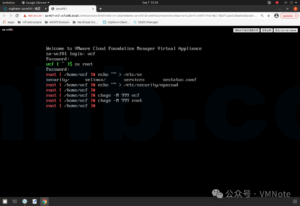
Locked out of SDDC Manager? This field checklist covers GRUB recovery, version-specific faillock and pam_tally2 commands, password aging, and the checks to run before rebooting.
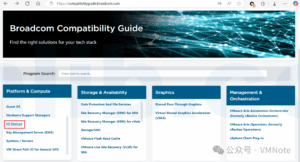
Not sure whether your network card is supported by ESXi? This step-by-step guide shows how to check the official compatibility list, filter NIC models, and confirm required drivers and firmware so you can avoid installation issues and keep your virtualization environment stable.
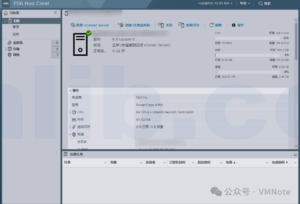
After deploying ESXi 8.0 on a Dell R760, you may see a TPM 2.0 connection warning even though the hardware is healthy. This guide explains the real cause — an unsupported SHA1 hashing algorithm — and walks through checking logs, updating TPM to SHA256, and clearing the alert safely in Maintenance Mode.
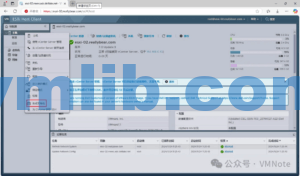
Logs are essential for diagnosing and troubleshooting issues in VMware ESXi environments. Whether you’re facing host performance problems, VM crashes, or storage connection failures, collecting a complete log bundle is the first step. This guide walks you through three reliable methods—via vSphere Client, ESXi Host Client, and command line—to quickly gather the necessary logs for analysis.
In virtualization management, VMware Workstation and ESXi are commonly used platforms. Many IT operations teams need to migrate VMs between these two environments—for example, for
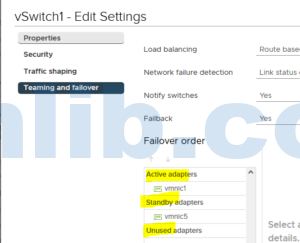
Configure vSwitch link aggregation and failover quickly using esxcli commands for flexible, scriptable network management.
Assign Active, Standby, and Unused uplinks and add NICs to vSwitches without the GUI.
Ensure high availability and optimized performance across your ESXi hosts.