
Restarting ESXi management agents can help when vCenter loses management visibility, tasks are stuck, or a host looks disconnected while VMs are still running.
It restarts management services such as hostd and vpxa. It should not power off running VMs, but it is still worth checking what problem you are fixing.
When it usually helps
- vCenter shows the host as disconnected or not responding, but VMs still run.
- Host Client or vCenter tasks are stuck.
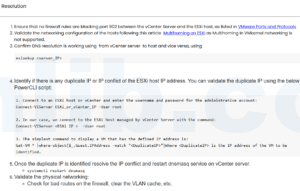
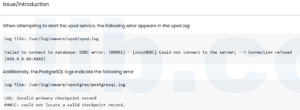
- vpxa has communication issues with vCenter.
- hostd is responding slowly or showing errors.
Check before restarting agents
/etc/init.d/hostd status
/etc/init.d/vpxa status
tail -n 100 /var/log/hostd.log
tail -n 100 /var/log/vpxa.log
Restart commands
/etc/init.d/hostd restart
/etc/init.d/vpxa restart
You can also use DCUI: Troubleshooting Options -> Restart Management Agents.
Reference
Based on Broadcom KB Article ID 1003490, Restarting Management Agents in ESXi.



 VM技术助理