
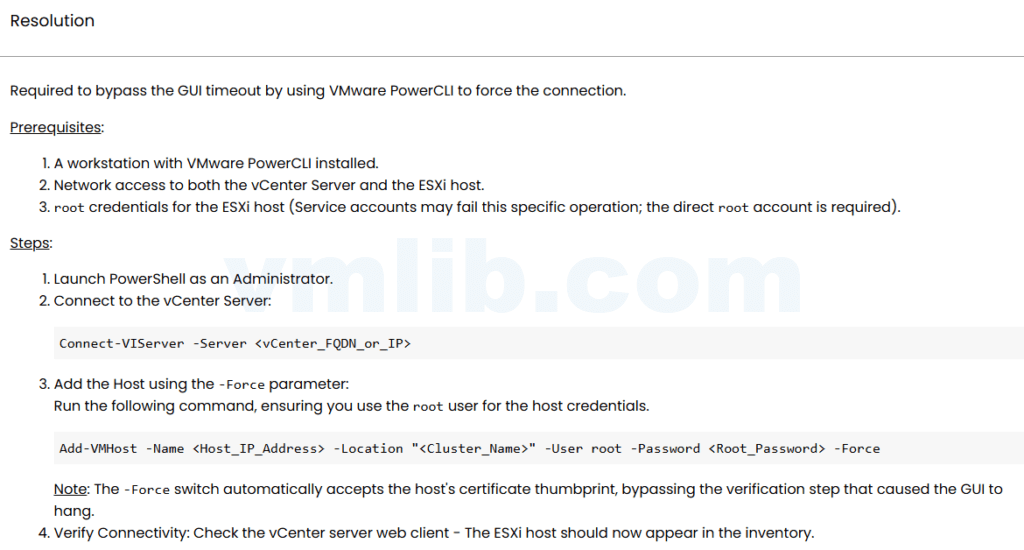
Adding an older ESXi host to vCenter 8.x can fail before the host is fully registered. One common symptom is a timeout while validating or retrieving the host certificate thumbprint.
Before forcing the add operation, I check whether vCenter can reliably talk to hostd and whether the certificate path is sane.
Check DNS and management reachability
nslookup ESXI_FQDN
nslookup ESXI_MANAGEMENT_IP
ping ESXI_MANAGEMENT_IP
If vCenter uses a hostname but DNS is stale, the certificate step may fail or point to the wrong host.
Check hostd on the ESXi host
/etc/init.d/hostd status
tail -n 100 /var/log/hostd.log
Older ESXi hosts with a slow or unhealthy hostd service can fail during inventory and certificate validation.
Check time and TLS compatibility
Large time drift, old builds, weak TLS configuration, or unsupported host versions can all make the add-host workflow unreliable. Confirm the host version is supported by your vCenter release.
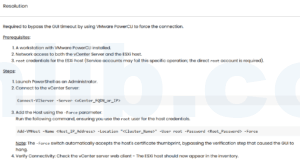
PowerCLI fallback
If the UI fails but the host is known and trusted, PowerCLI may give a clearer error or allow a controlled add operation. Use it carefully and document why the UI path failed.
Reference
Based on the Chinese article 添加旧版本 ESXi 主机到 vCenter 8.x 失败的证书指纹验证超时问题, rewritten for English administrators.



 VM技术助理