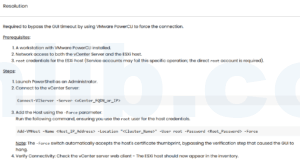

When vCenter cannot add an ESXi host and reports that it cannot contact the specified host, the problem is usually not the wizard itself. It is normally DNS, management networking, host services, certificates, or time sync.
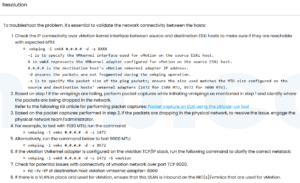
I try to prove the management path before changing host configuration.
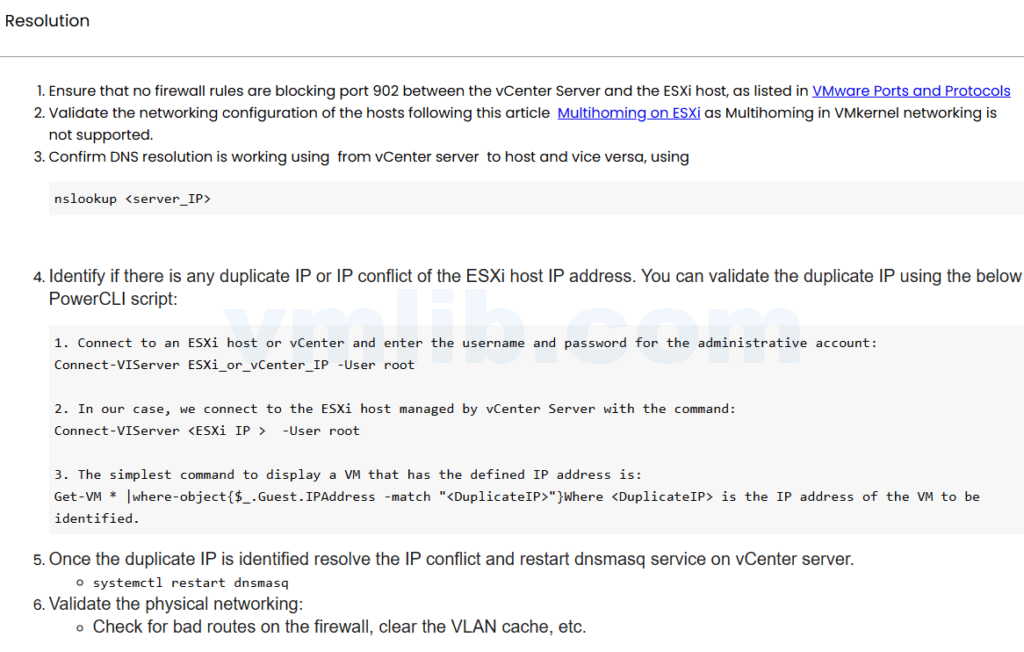
Check basic reachability
ping ESXI_MANAGEMENT_IP
nslookup ESXI_FQDN
nslookup ESXI_MANAGEMENT_IP
If vCenter uses FQDN, forward and reverse DNS should be clean. A wrong reverse record can make certificate and host registration steps fail later.
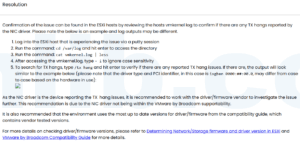
Check ESXi management services
/etc/init.d/hostd status
/etc/init.d/vpxa status
tail -n 100 /var/log/hostd.log
If hostd is unhealthy, vCenter may not be able to validate or register the host. Restarting management agents can help, but check the log first.
Check firewall and routing
Make sure vCenter can reach the ESXi management vmkernel interface. If vCenter and ESXi are in different VLANs, check gateway, ACL, firewall, and MTU.
Check time and certificates
Large time drift can break authentication and certificate checks. If the host certificate is old or the host was previously attached to another vCenter, certificate prompts and trust state can also matter.
Reference
Based on the Chinese article 添加 ESXi 主机到 vCenter 失败 – 无法联系指定主机问题, rewritten for English search intent and field troubleshooting.



 VM技术助理